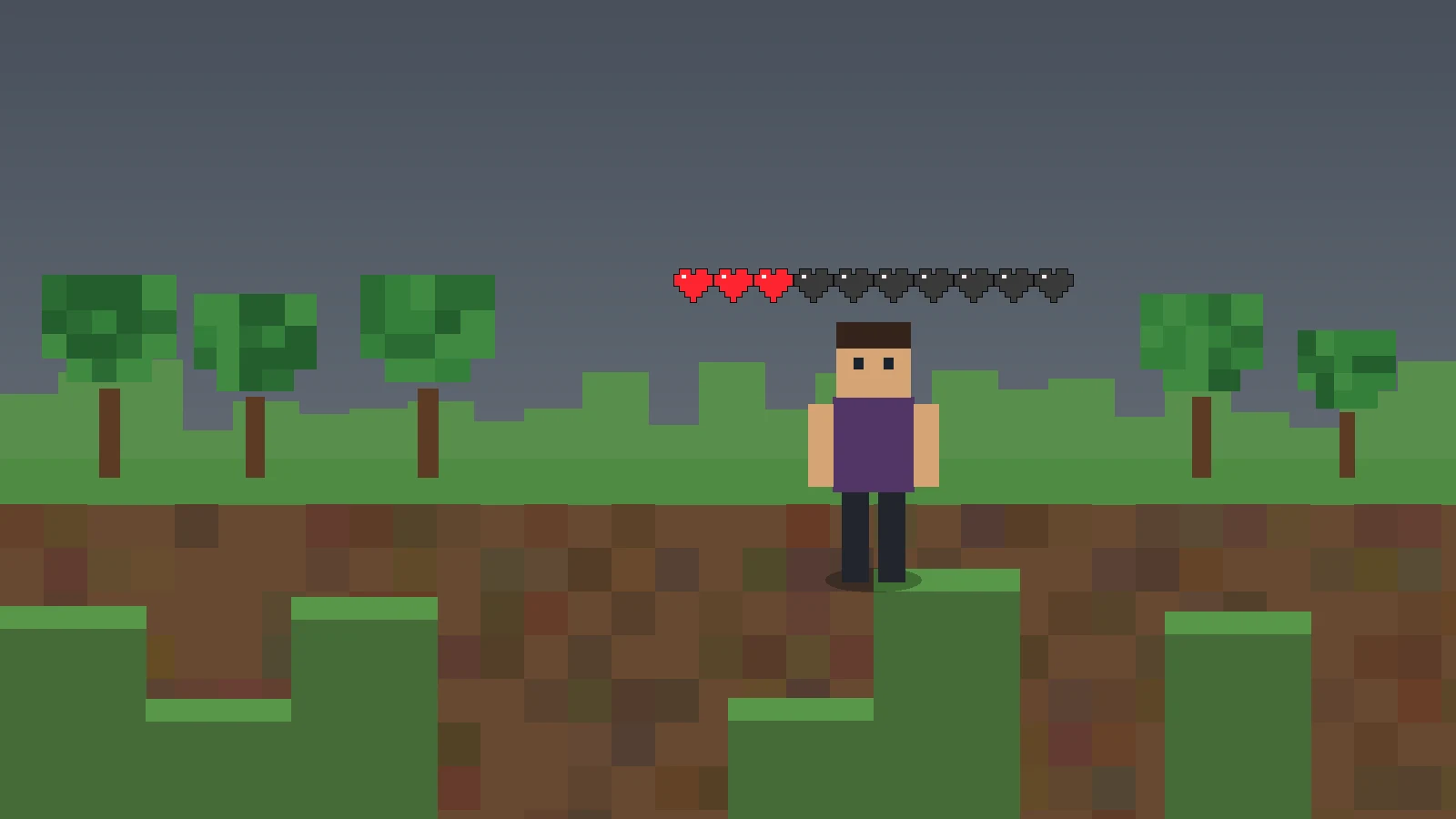
A reliable Player Health Indicator Mod setup begins with the project’s declared runtime requirements rather than guesswork. The current 1.21 master metadata names Fabric Loader 0.15.11 or newer, Minecraft 1.21, Java 21 or newer, Fabric API, and a client-side environment.
Build a known-good baseline first
Create or duplicate a Minecraft 1.21 Fabric profile, use a compatible Java 21 runtime, add Fabric API, and launch before adding PlayerHealthIndicators. If this baseline fails, fix it before testing the mod.
Install an actual compiled build, not just source code
A Java mod normally runs from a compiled JAR that contains the mod metadata and classes. The required Download button on this site points to the supplied GitHub master source archive, which is useful for code access but should not be mistaken for a ready-to-run JAR.
Understand what successful rendering looks like
When working, the client renders hearts above other eligible players. The renderer calculates red hearts from current health, empty hearts from maximum health, and yellow hearts from absorption. Half hearts are supported for odd health values.
Fix layout issues after compatibility is proven
Supported builds can use optional stacking and a vertical heart offset. These controls solve placement and long-row problems, but they cannot fix a wrong game version or loader.
Use rollback-driven troubleshooting
If Minecraft stops loading after the mod is added, remove it and confirm the baseline works again. If the game loads but no hearts appear, check the toggle, player visibility, and conflicts with other rendering mods. Always keep worlds and profiles backed up.
Next steps
Use the homepage for the complete feature, release, FAQ, and download overview. For a clean installation workflow, read the installation and troubleshooting guide.